Installation Environment
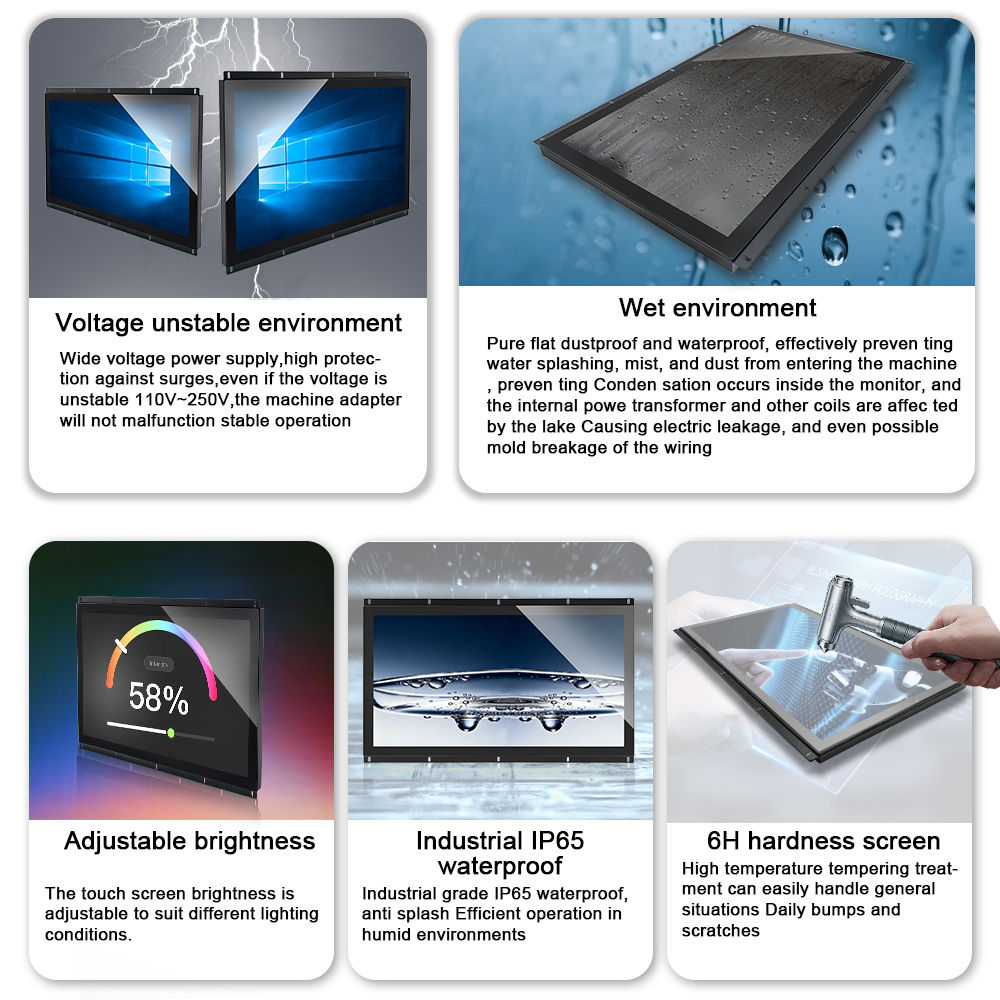
Install the monitor in a shaded, well-ventilated area away from direct long-term sunlight, heavy rain, snow, dust, and high-temperature/humidity environments. Avoid strong vibration and physical impact.
Cleaning Guidelines
Power off and disconnect the power before cleaning.
Use a soft, lint-free microfiber cloth slightly dampened with water or 70% isopropyl alcohol.
Do not spray liquid directly onto the screen or housing; avoid chemical cleaners, corrosive liquids, or rough cloths.
Gently wipe the touchscreen and surface to remove dust, fingerprints, and dirt.
Weather Protection
Ensure the monitor maintains its rated waterproof and dustproof level; do not use if the enclosure or seal is damaged.
In rainy or snowy conditions, regularly check for water accumulation or condensation; dry thoroughly before use.
In extreme cold or heat, allow the unit to stabilize at moderate temperature before powering on.
Power & Cable Care
Use a stable, outdoor-rated power supply matching the product specifications.
Protect power and signal cables from sun exposure, water immersion, and physical wear.
Regularly inspect connectors for oxidation, looseness, or corrosion; keep them dry and tight.
Touch Performance Maintenance
Do not press the screen with sharp objects, excessive force, or impact it.
If touch response is abnormal, re-calibrate following the user manual.
Avoid prolonged static display to prevent screen burn-in.
Regular Inspection
Periodically check the housing, mounting structure, heat dissipation, and cable condition. Repair or replace damaged parts in a timely manner to ensure safe and stable outdoor operation.